EPAS License
License page
In order to operate an EPAS installation, a license key from the vendor is required. The license installation, configuration and auditing can be done from the System » EPAS License menu.
After the initial physical deployment of the EPAS MASTER appliance, it is recommended to add the license file, in order to permit the MASTER unit to detect and connect to other systems such as WORKER units or AGENT units.
The EPAS License page displays the current status of the license, as well as a license audit listing, displaying the anonymized results of the EPAS Audit Jobs which ran on the current MASTER system.
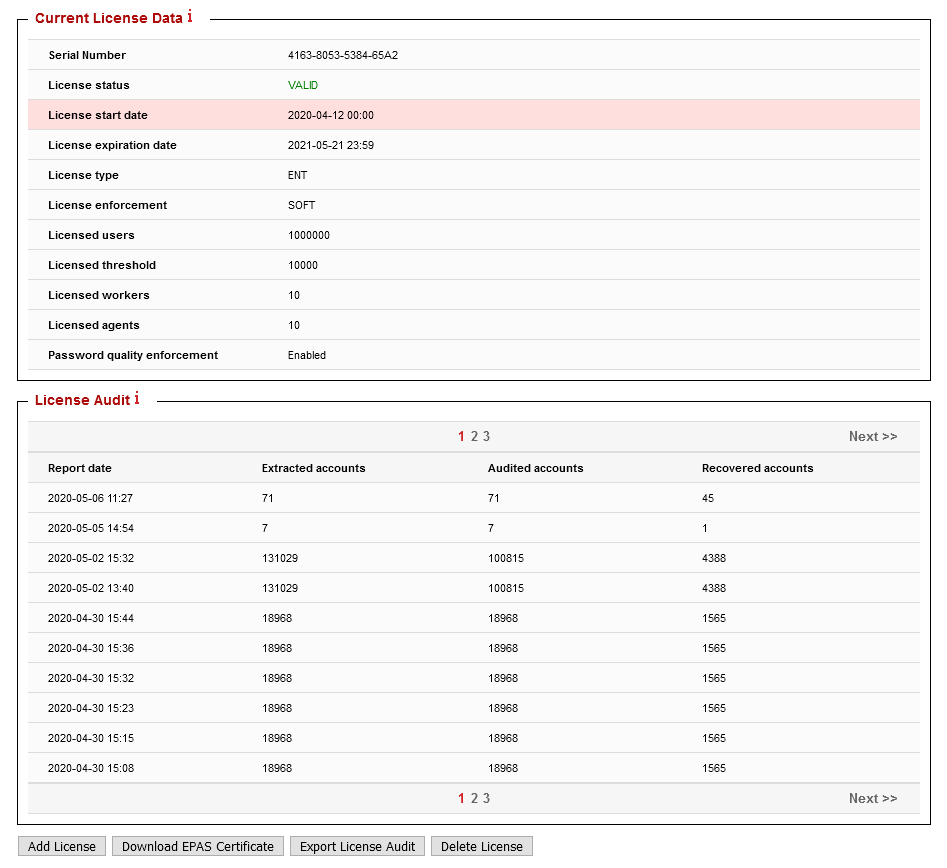
Several actions are available, through the use of the buttons located at the bottom of the page:
- Add License: this action is used during the initial EPAS configuration and installation, in order to activate the licensed features.
- Download EPAS Certificate: allows the EPAS Administrator to retrieve a copy of the public key (and corresponding certificate) used by the EPAS MASTER to sign license audit files.
- Export License Audit: provides a text file, containing the License Audit information (anonymized) gathered through the use of the existing license.
- Delete License: uninstalls the current license, disabling any licensed features.
Adding a new license
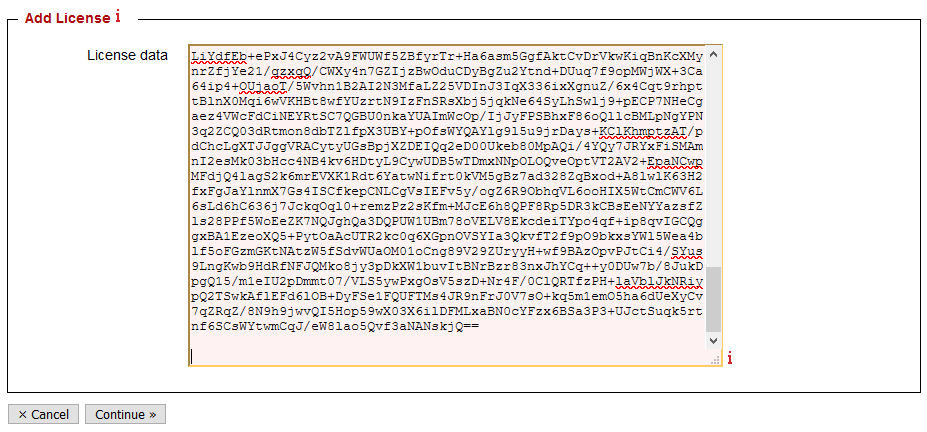
To add a new license, use the Add License action in the license listing page. A textbox is displayed, where the license key received from the vendor should be pasted. Once pasted, use the Continue » button to advance to the next step.
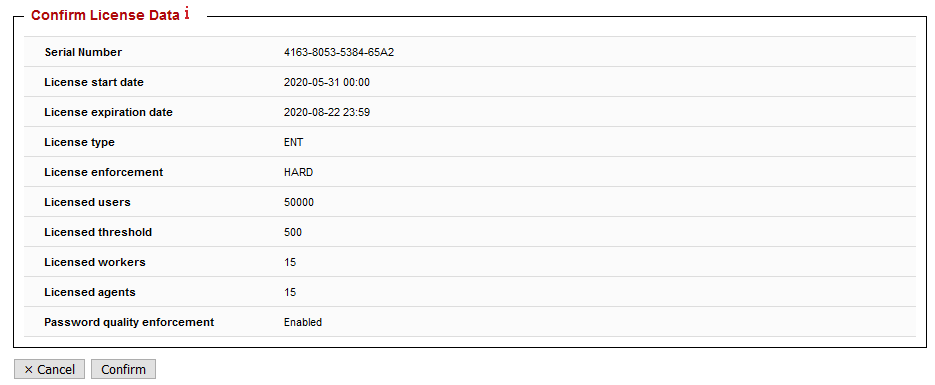
In the following step, validate that the license parameters match the licensed features and / or users. If they match, install the license by pressing the Confirm button.
Warning
Licenses are valid only for the aforementioned period, whenever the license expires, all related features of the license (e.g. Audit, Enforcer) will stop functioning.
Once a license key has been applied, it can no longer be used or re-applied. Contact the vendor in case a new license file for the same system is required.