Testing the Data Retrieval
In order to make the target system, previously defined in Target Systems, an initial data retrieval has to be done for the target system. This step is mandatory and it is the only way to validate existing targets before using them in audit jobs. Whenever the Retrieve data operation is ran, the EPAS connects to the target system, either independently or via an EPAS Agent, and retrieves an initial set of information that it caches in the internal encrypted EPAS database. If successful, the retrieval operation marks the target system as usable and makes it available in new audit jobs.
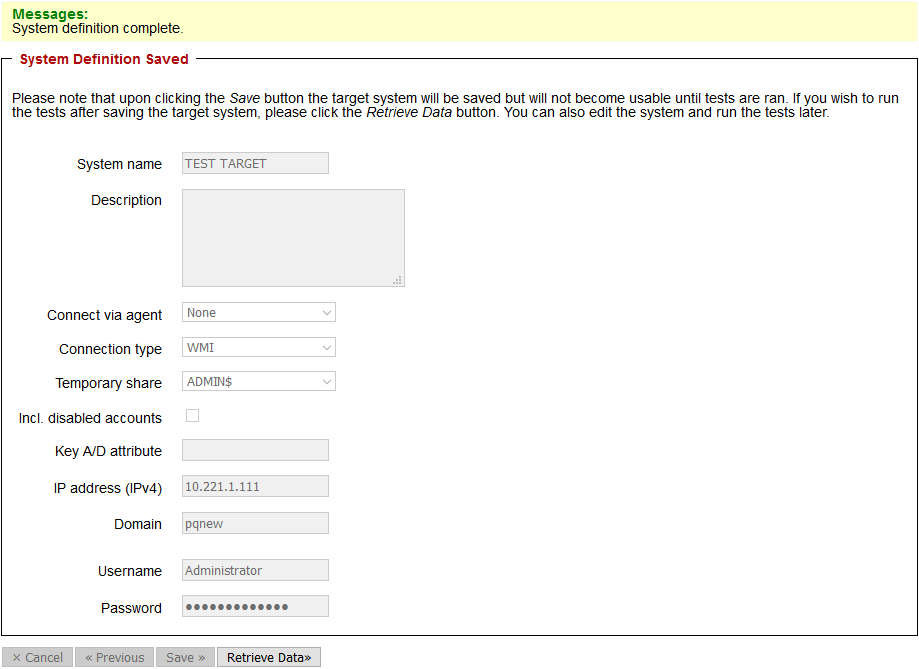
In order to run the retrieval operation, two possibilities exist: the retrieval operation can be performed after an audit target is defined, by simply clicking on the Retrieve Data button available after saving the target system; alternatively, the retrieval operation can be performed at any time after a target system has been defined by clicking the target system entry in the Targets area and then clicking the Retrieve Data operation.
When the retrieval operation is ran, the retrieval window shows a detailed log of all the steps that the extraction process performs in order to retrieve the target account profile data. The log window contains vital information for monitoring the extraction process and also provides detailed errors if the target system is not reachable.
While the extraction is running, navigating away from the retrieve data operation will also automatically cancel the retrieval operation for the aforementioned target system. It is important that during the retrieval operation, the page which controls it is always open.
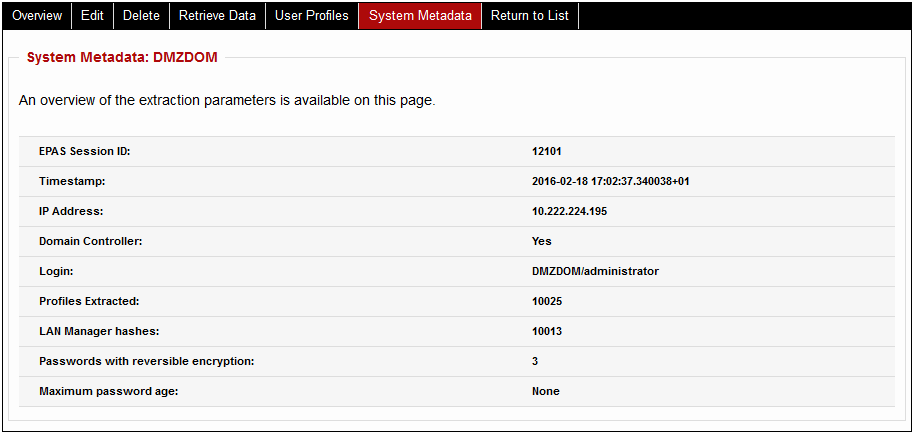
If the retrieval is successful, the EPAS administrator is presented with the options to view additional details about the extracted data, such as the extraction timestamp, additional target parameters such as the maximum password age or password expiration period, etc. The option is available by clicking the System Metadata button present at the end of the retrieval process.
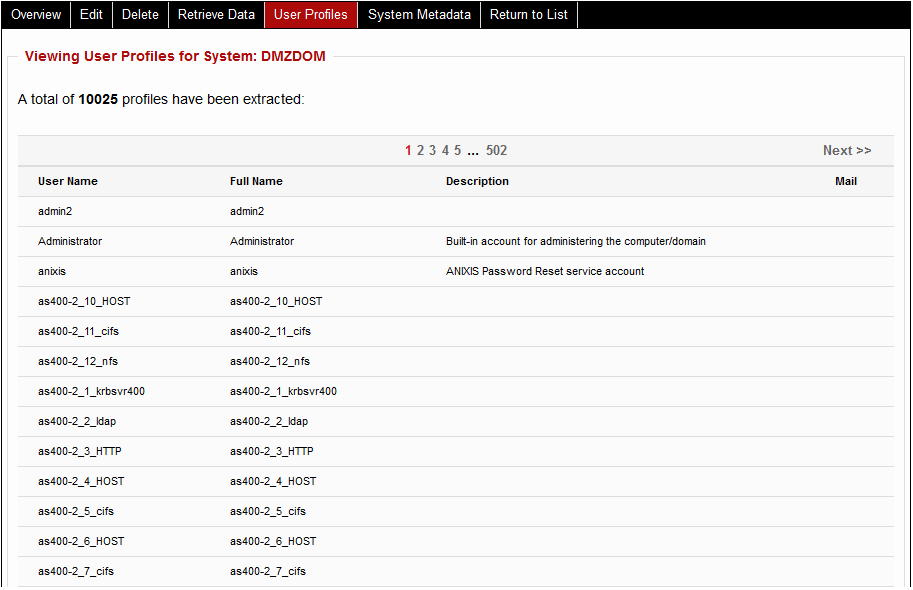
Moreover, it is possible to confirm the account profiles that have been extracted from the target by clicking on the View User Profiles button.